Ready? Tap here to get started.
Opens App Store or Google Play. Referrer code pre-fills automatically.
Get Your MMEETT Card →Opens App Store · Referrer code PD74S5RD pre-fills automatically
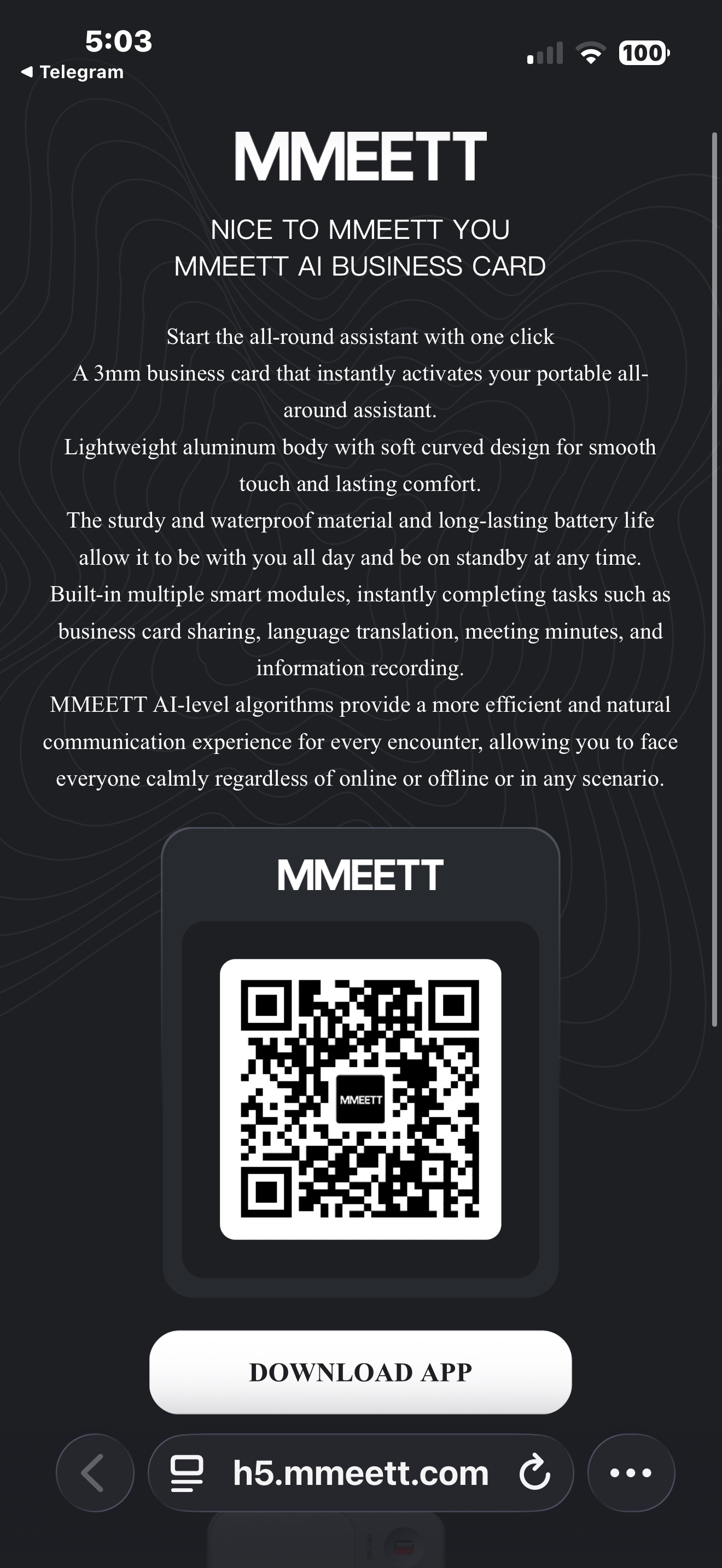
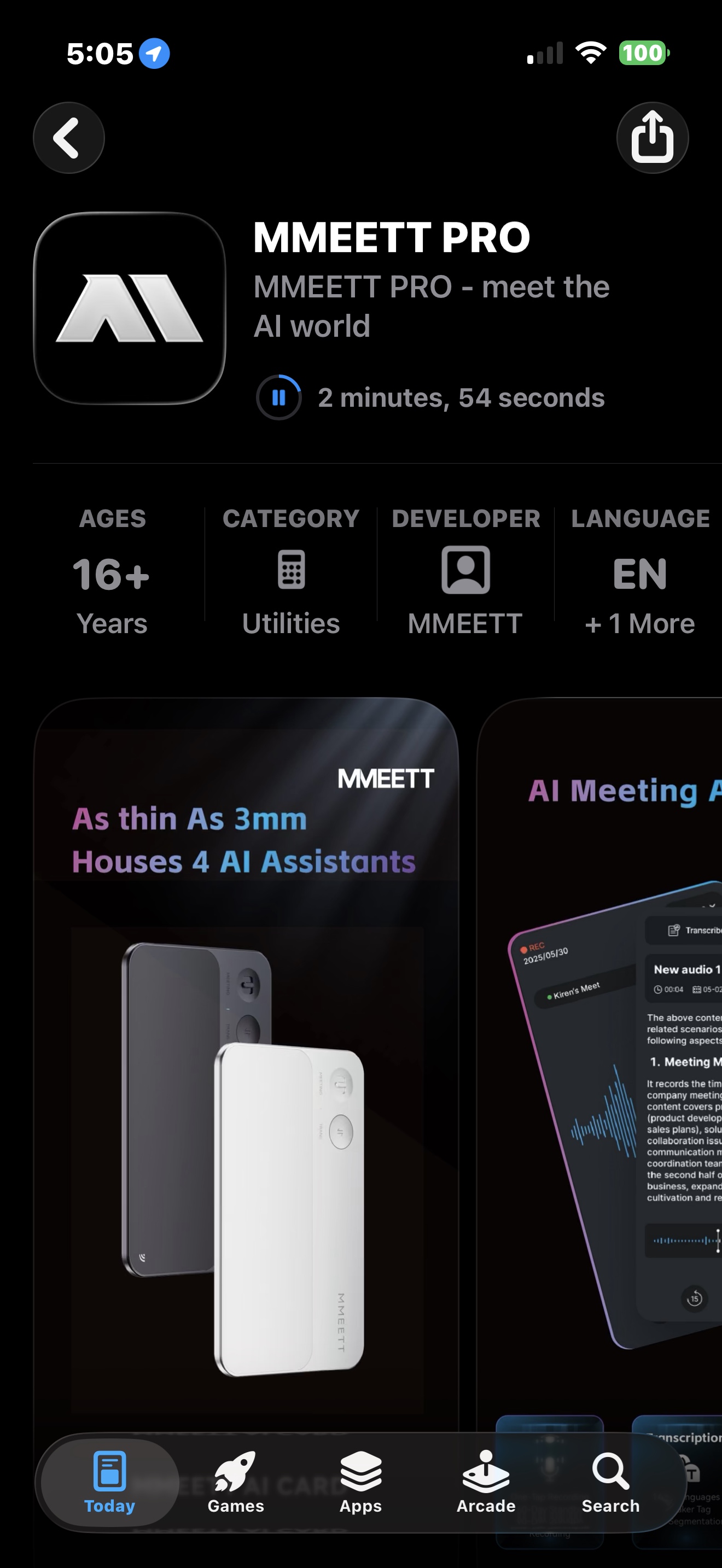
Download the app, create your account, tap Open the Card Now. That's it.
Tap the button below. It opens the App Store (iOS) or Google Play (Android) directly.
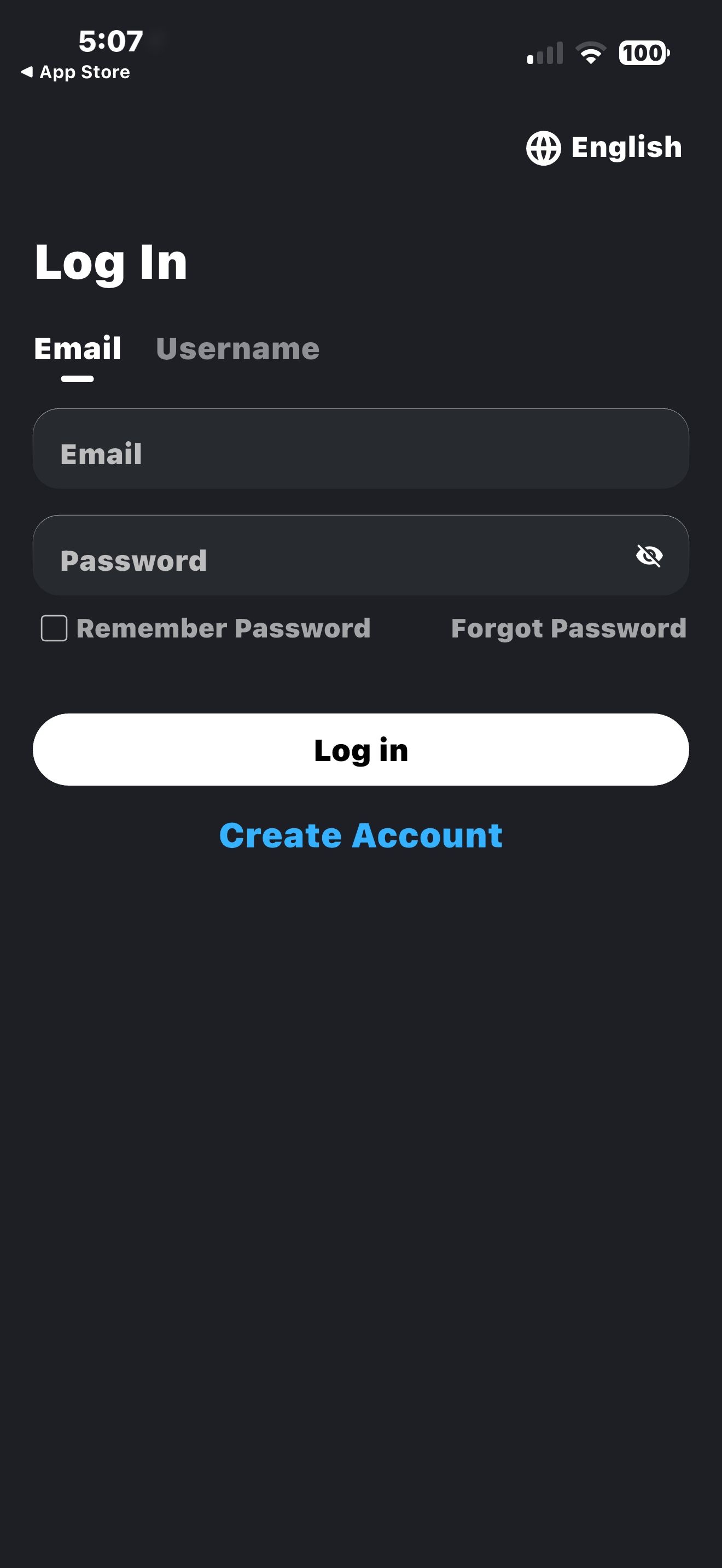
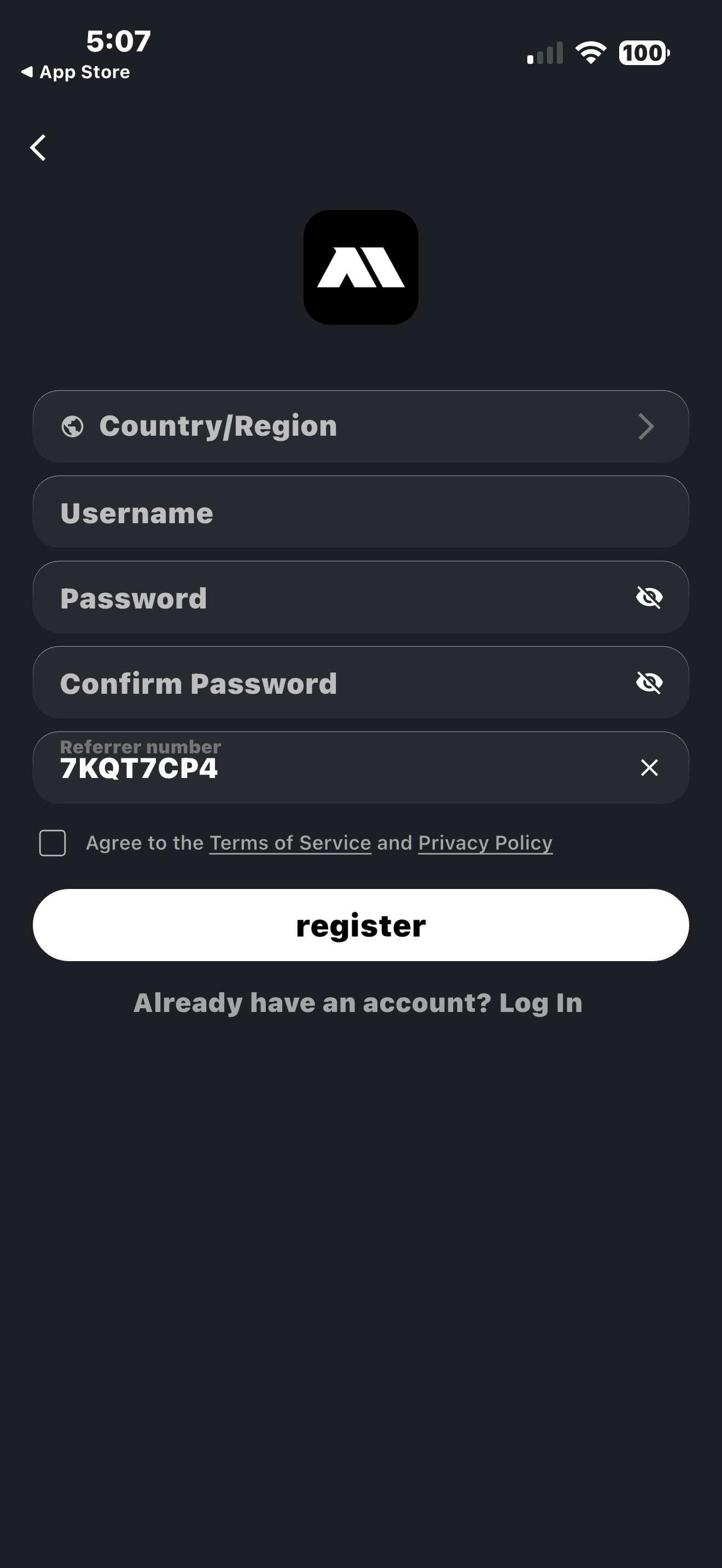
Tap Create Account. Your referrer code PD74S5RD pre-fills automatically — do not remove it. Fill in country, username, password, then tap register.
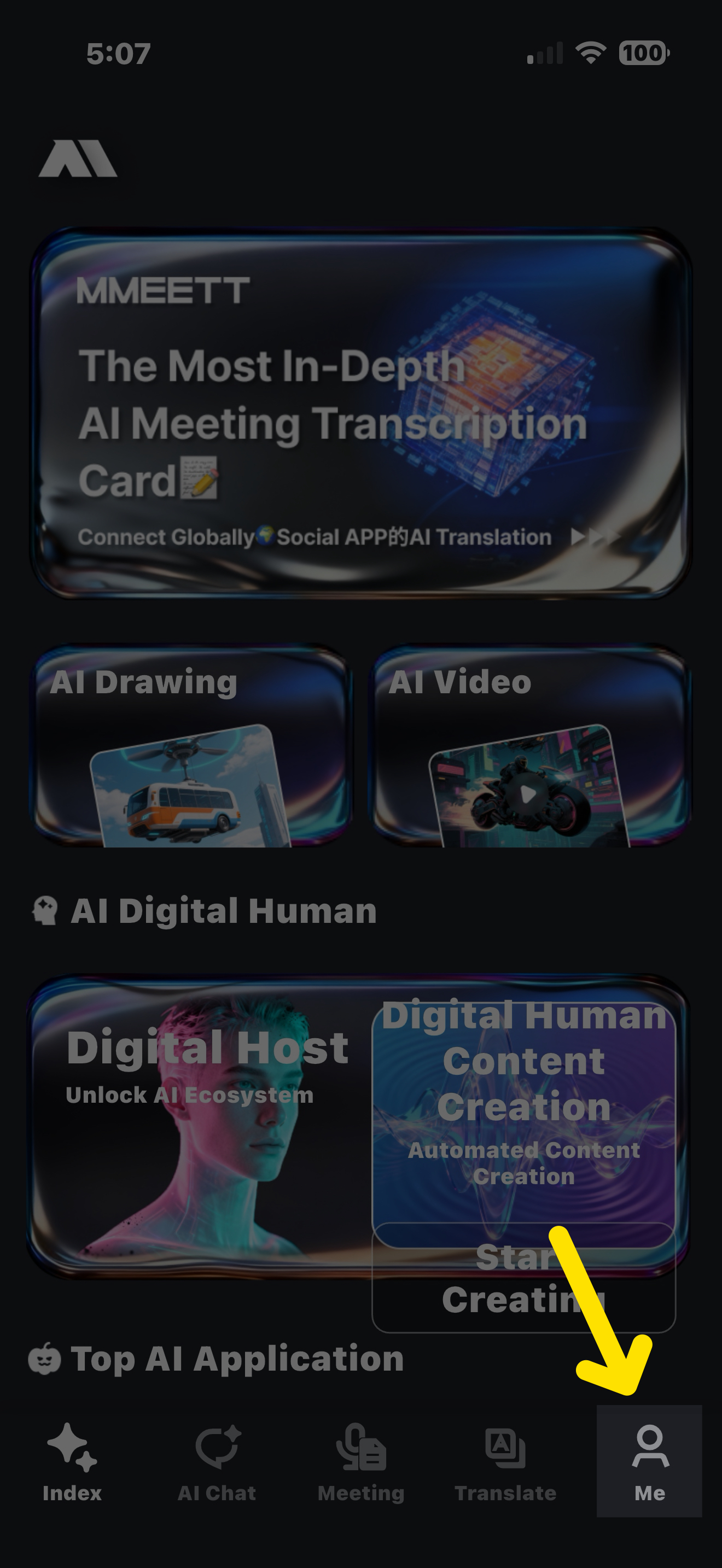
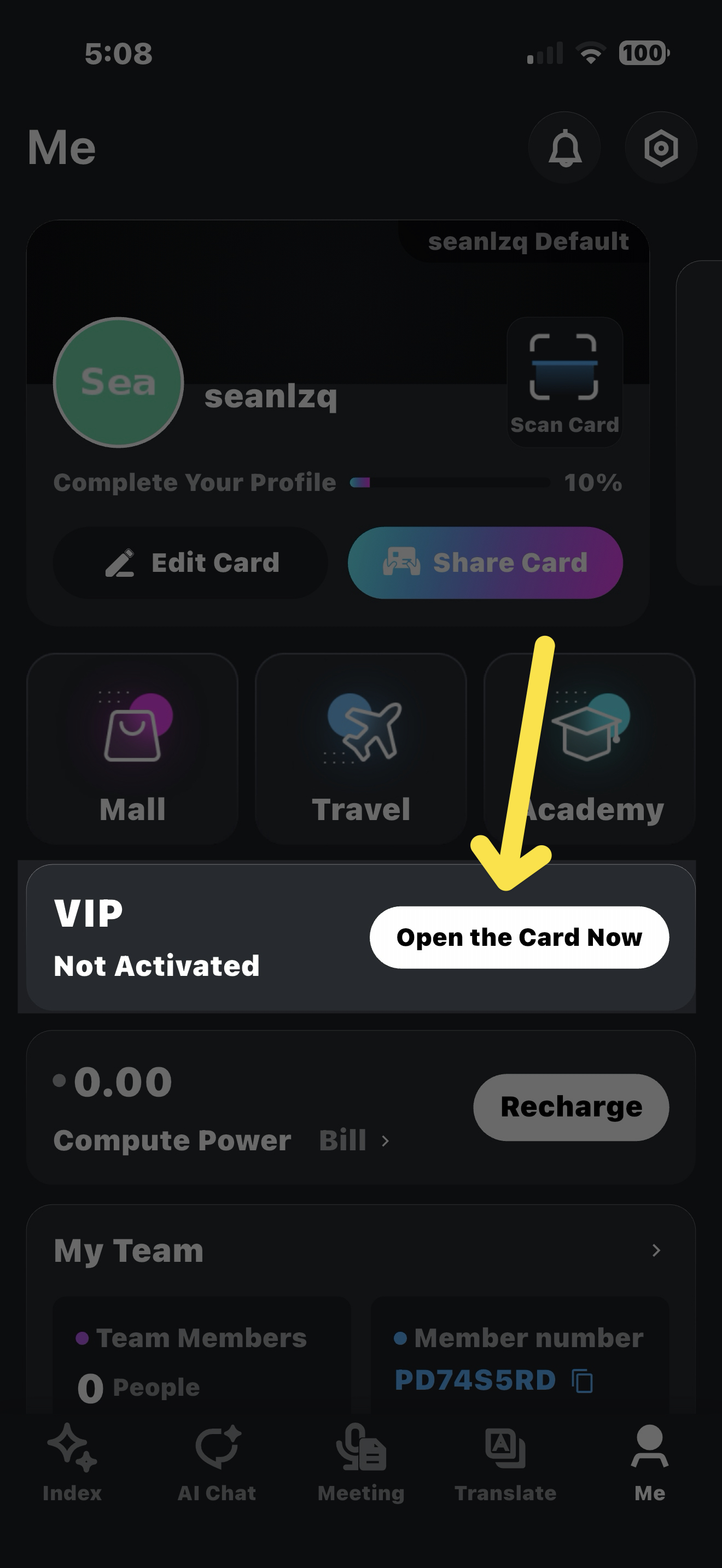
Once registered, tap the Me tab at the bottom right. You'll see 'Open the Card Now' — tap it and follow the steps to order.
Opens App Store or Google Play. Referrer code pre-fills automatically.
Get Your MMEETT Card →Opens App Store · Referrer code PD74S5RD pre-fills automatically